Ask Plunk for help
Before you start
Section titled “Before you start”- Ask Plunk is in every Studio workspace. Each message uses a few credits from your workspace’s pool.
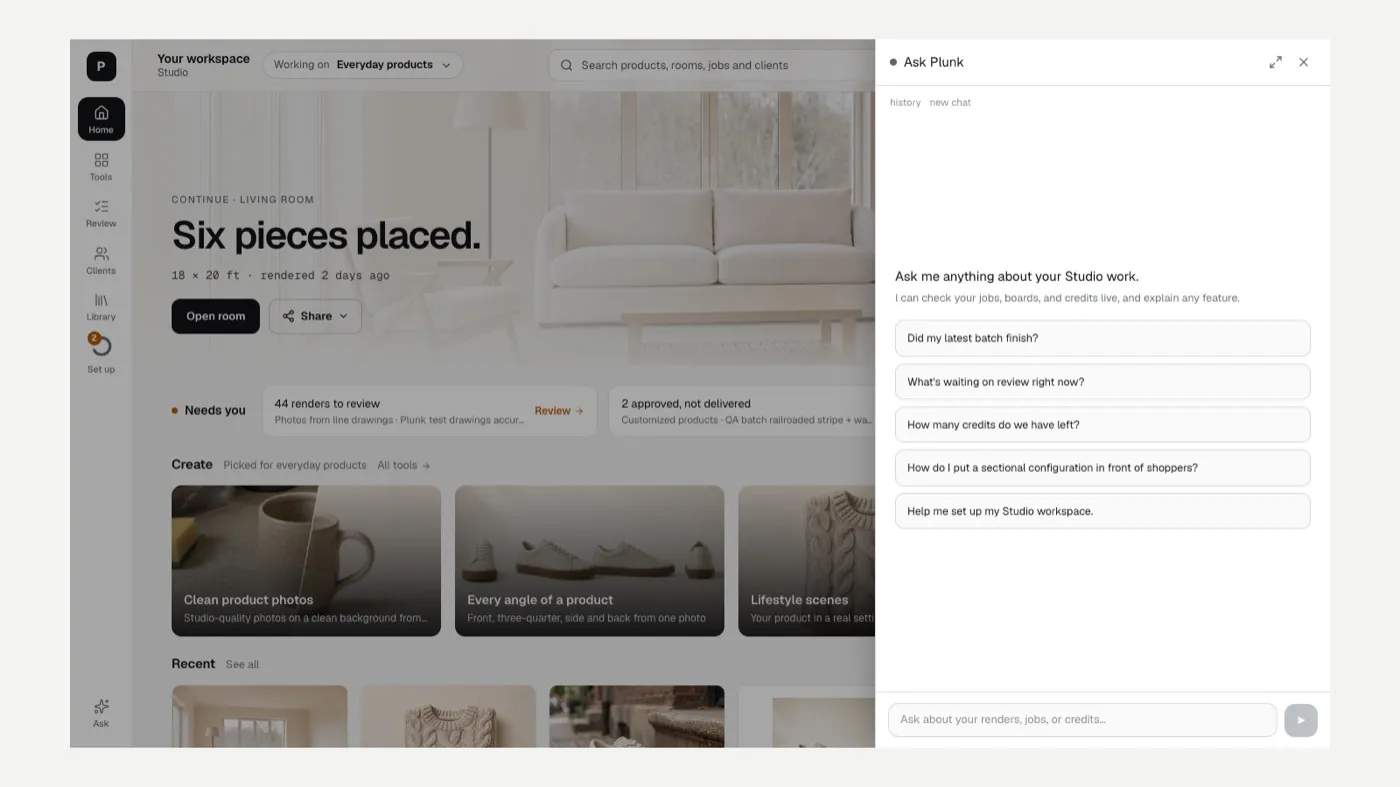
- Click Ask at the bottom of the left rail.
- Type your question, for example “Where did my sofa renders go?” or “How many credits do we have left?”, or pick a suggestion.
- Follow up in the same conversation. Press Esc to close the panel. Conversations are kept for 90 days.
Good things to ask
Section titled “Good things to ask”- Where a render or job went, and whether it’s still being made.
- Why a job is paused.
- How a tool works, in your own words.
- Help wording a note or prompt.
Still stuck?
Section titled “Still stuck?”Search the Answers, or contact support. You’ll need to sign in with your Plunk account.
Related
Section titled “Related”Was this helpful?
Still stuck? Contact support and include the job or page you were on.