Show one product in every color
Before you start
Section titled “Before you start”- A product photo on a plain background works best, or a render from Product Design.
- Each color is one image, about 13 credits.
- Colorways is listed for fashion, everyday products and video workspaces. Home furnishings, interior design and stores and offices use Customize with Every fabric on every product instead, which does the same job with fabric swatches.
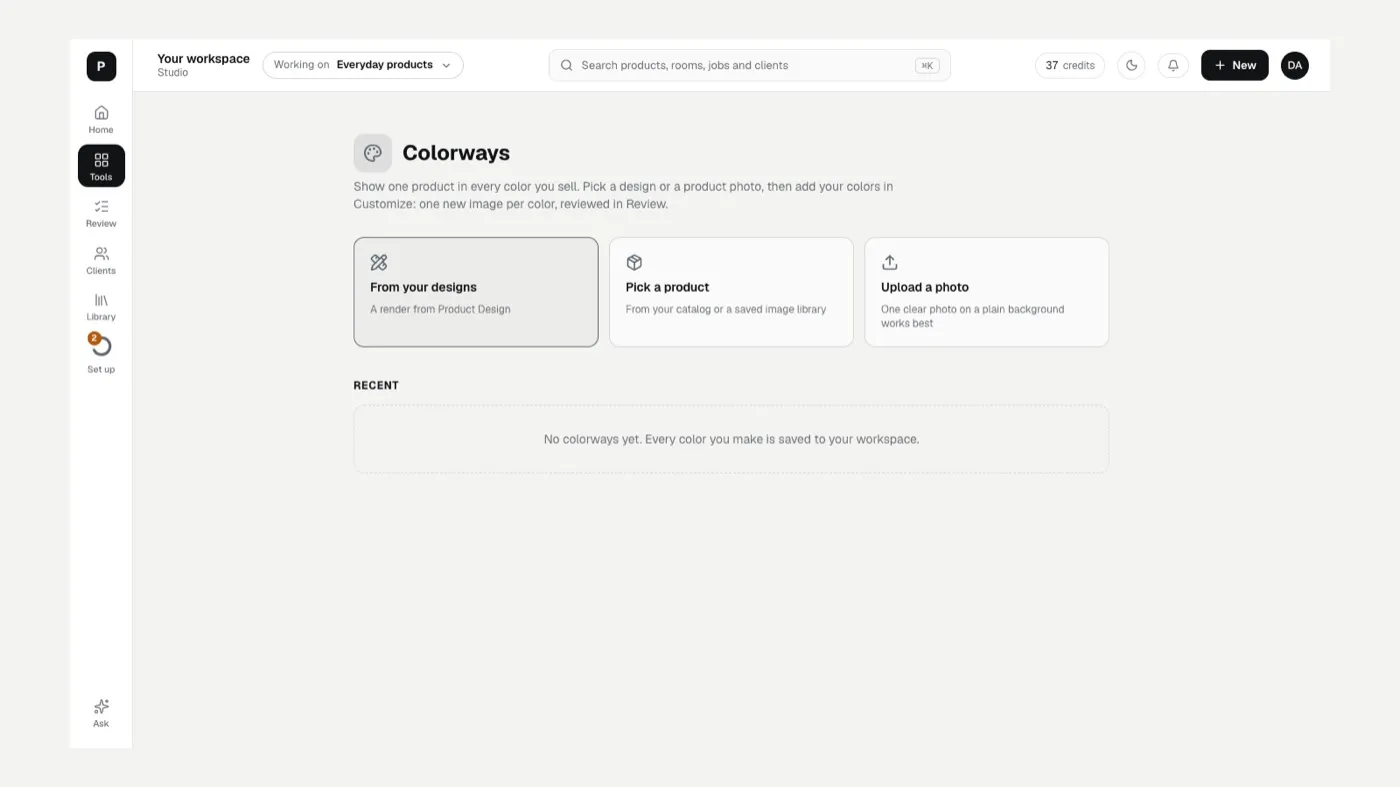
- Open Colorways from Tools.
- Pick where to start:
- From your designs: a render you made in Product Design.
- Pick a product: from your catalog or a saved image library.
- Upload a photo.
- Add your colors. Colorways opens Customize set to Every color for this product. Pick colors (Black, Ivory, Navy and so on), or choose Other color and name it.
- Say what gets the color, for example The main fabric, The trims or The whole garment.
- Add notes (optional), for example “Keep the buttons and stitching as they are.”
- Click Start. One image per color is made and sent to Review.
If something looks off
Section titled “If something looks off”- The color landed on the wrong part: change What gets the color, then redo that image in Review.
- The product changed shape: The result doesn’t match my product.
Related
Section titled “Related”Was this helpful?
Still stuck? Contact support and include the job or page you were on.